
How to Opt Out of Member Renewal
Not prepared to auto-renew?
Memberships purchased on or after May 13, 2026, are set to automatically renew using your most recent method of payment for membership, depending on if you opt in our out of auto renewing at the time of checkout. To review or update your status:
Sign into the Manage My Membership portal.
You can view your auto-renewal status on your membership dashboard.
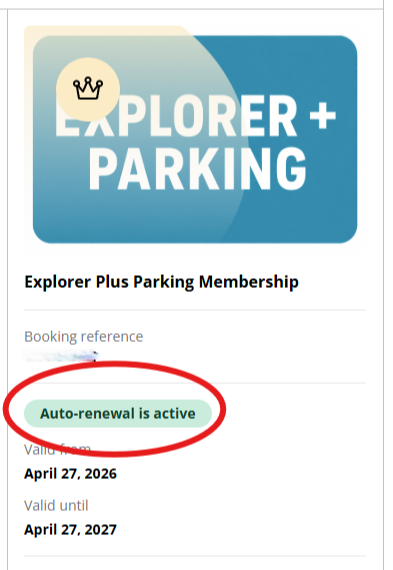
3. To update your auto-renewal status, select the member icon, and then Contact Details.

4. Update your status accordingly, scroll down, and choose Save.
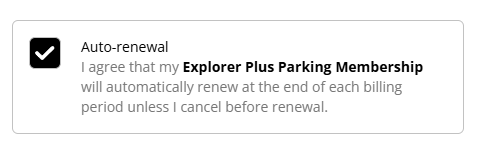
5. You can also update your status in person, over the phone 312-464-7678, or via email.